
Updating to a new version
Fanripper tells you when a new version is out. Updating keeps your settings and sign-in.
- Download the new .zip from this page.
- Unzip it and copy everything inside into your existing fanripper folder. Choose Replace when asked.
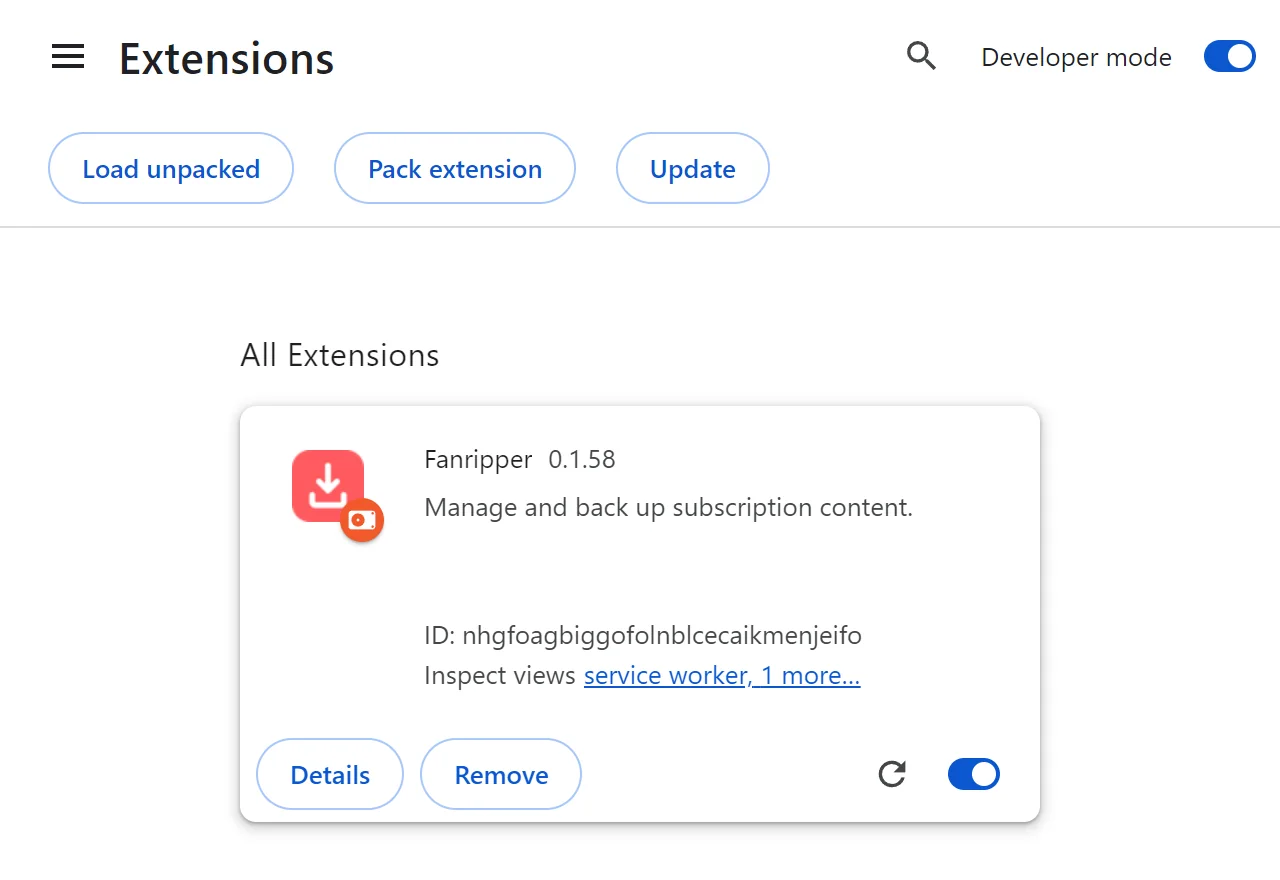
- On chrome://extensions, click Fanripper’s ↻ reload button.
Use reload, not Remove. Removing Fanripper deletes its data in this browser.